
Providers
Connect your LLM providers through the client UI.
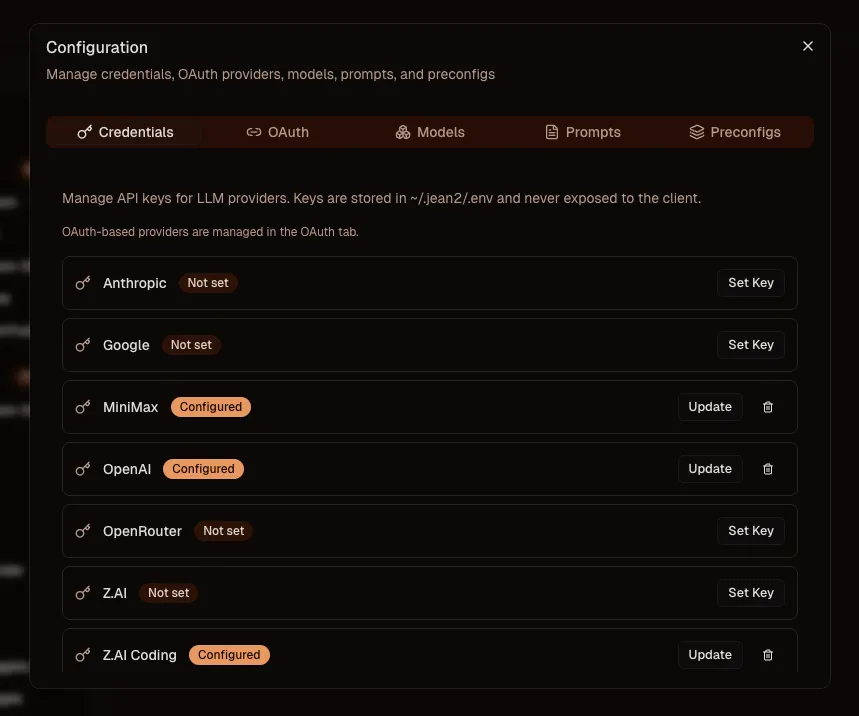
Supported providers include Anthropic, OpenAI, Google, MiniMax (including MiniMax Token Plan), OpenRouter, Z.AI, Z.AI Coding (Coding Plan), and DeepSeek.
Open settings
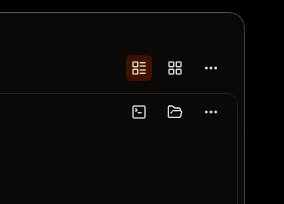
Click the three dots in the top-right corner of your client, then select Settings.
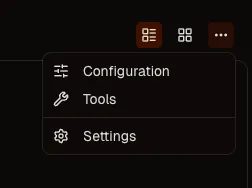
Go to Configuration in the sidebar.
Add an API key
In the Credentials tab, click Set next to your provider, paste your API key, and click Save. You're done.
Connect via OAuth (Codex)
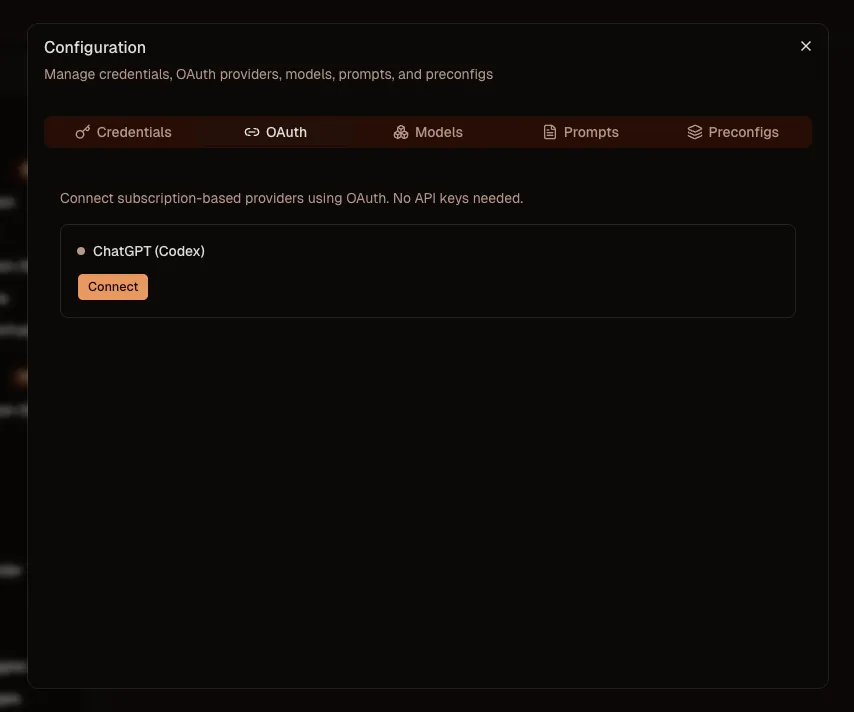
If you have a ChatGPT Plus/Pro subscription, you can use Codex via OAuth. No API key needed. Switch to the OAuth tab, click Connect, and follow the link to log in to your ChatGPT account. Once approved, close the browser tab and you're all set.
Tokens are stored server-side. Close the configuration panel and your models are available immediately.