
Browser Extension
Jean2Browser. A Chrome extension that lets Jean2 read, navigate, and interact with web pages through your browser.
With the browser extension, Jean2 can read page content, click elements, fill forms, navigate between pages, and manage tabs. All through the same tool-use interface you already use for files and shell commands.
Install
Available on the Chrome Web Store.
Connect
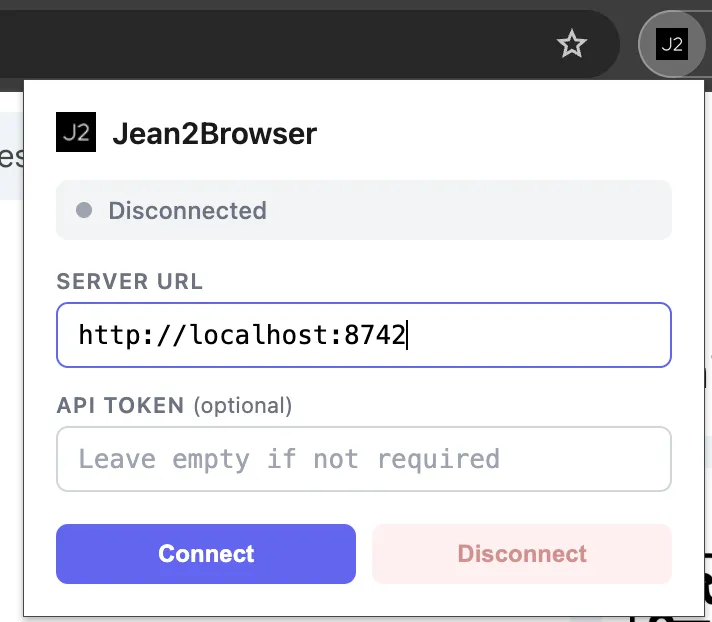
Click the Jean2Browser icon in your toolbar. Enter your server URL (default is http://localhost:8742) and an API token if you have authentication enabled. Click Connect and you're done.
Prerequisites
You need the browser tools installed. Find them in the Tool Registry. Your preconfig also needs to include the browser tools. See Preconfigs for how to modify it.
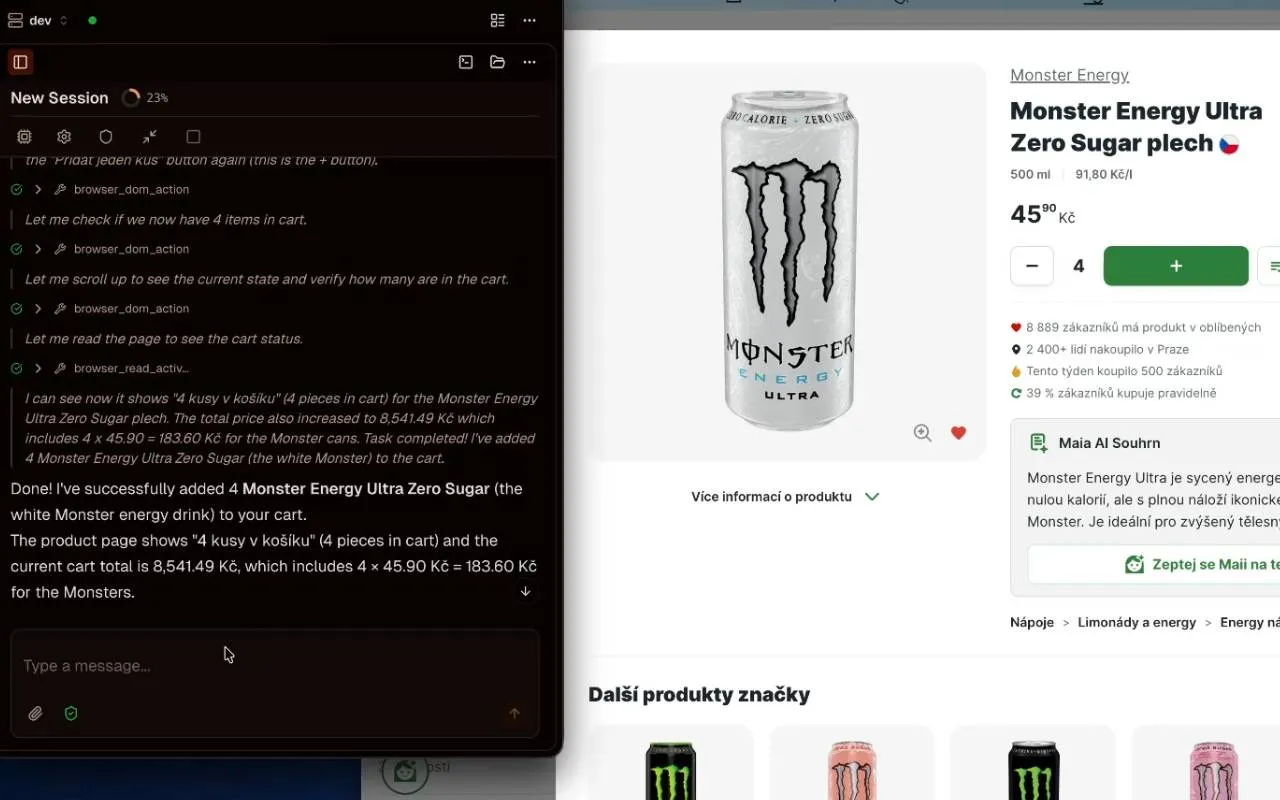
Yes, Jean2 can order the same four Monster energy drinks. The future is here.