
Prompts
Create reusable prompt templates you can trigger with / in the client.
Prompts are reusable templates you trigger by typing / in the chat. Create them for common tasks like code review, commit messages, or meeting notes. The template is sent to the agent with your input filled in.
The prompts tab
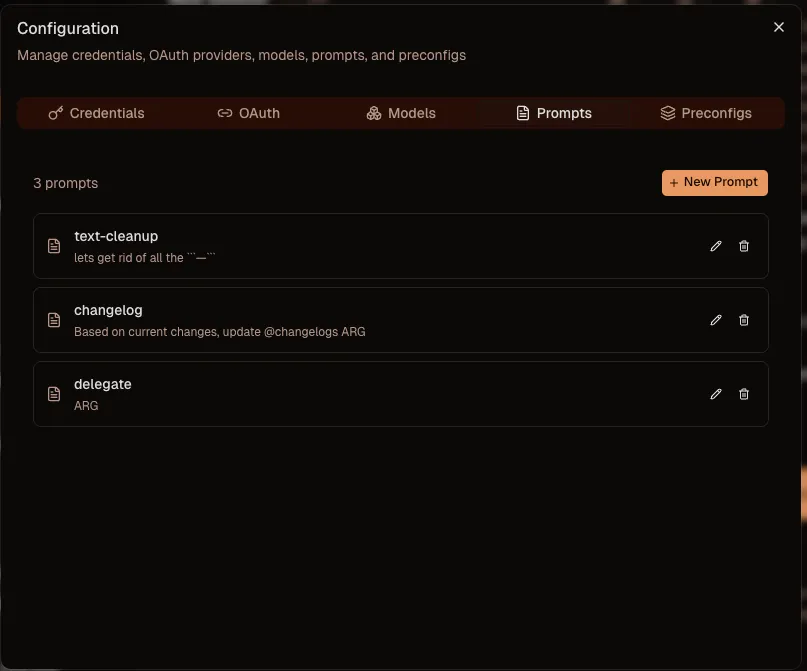
Open Configuration from the three dots menu and select the Prompts tab. You will see your list of prompt templates.
Create a prompt
Click Add Prompt to create a new one. You set the prompt name (this is what you type after / to trigger it) and the prompt content. Use ARG anywhere in the content as a placeholder. Whatever you type after the command in the chat replaces ARG in the template.
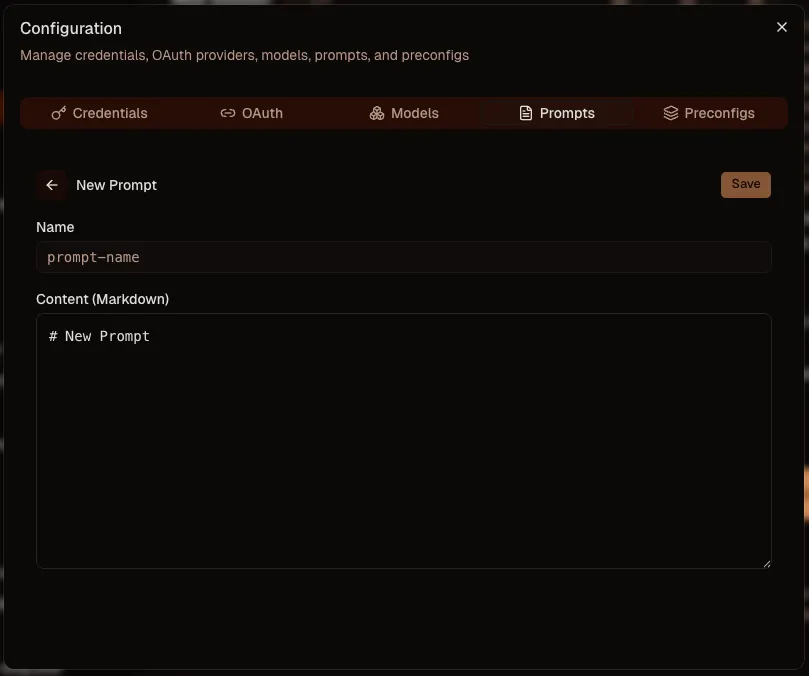
This lets you write prompts where you just input a few values. You can make the prompt prepend to your message, append to it, or wrap around it. Just place ARG where you want your input to go.
Use a prompt
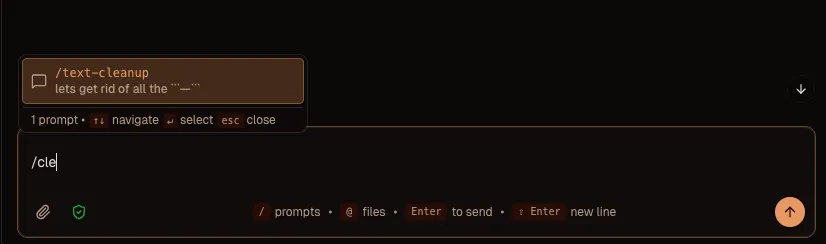
In the message box, type / followed by the prompt name. A helper appears showing the list of available prompts. Press Tab or Enter to autocomplete. The template is inserted and ARG is replaced with your input.
No restart needed. Changes take effect immediately.