
Manage Models
Choose which models appear in your client's model picker.
The model picker shows models from ~/.jean2/models.json. The server filters this list based on which API keys you've configured, so you only see models you can actually use.
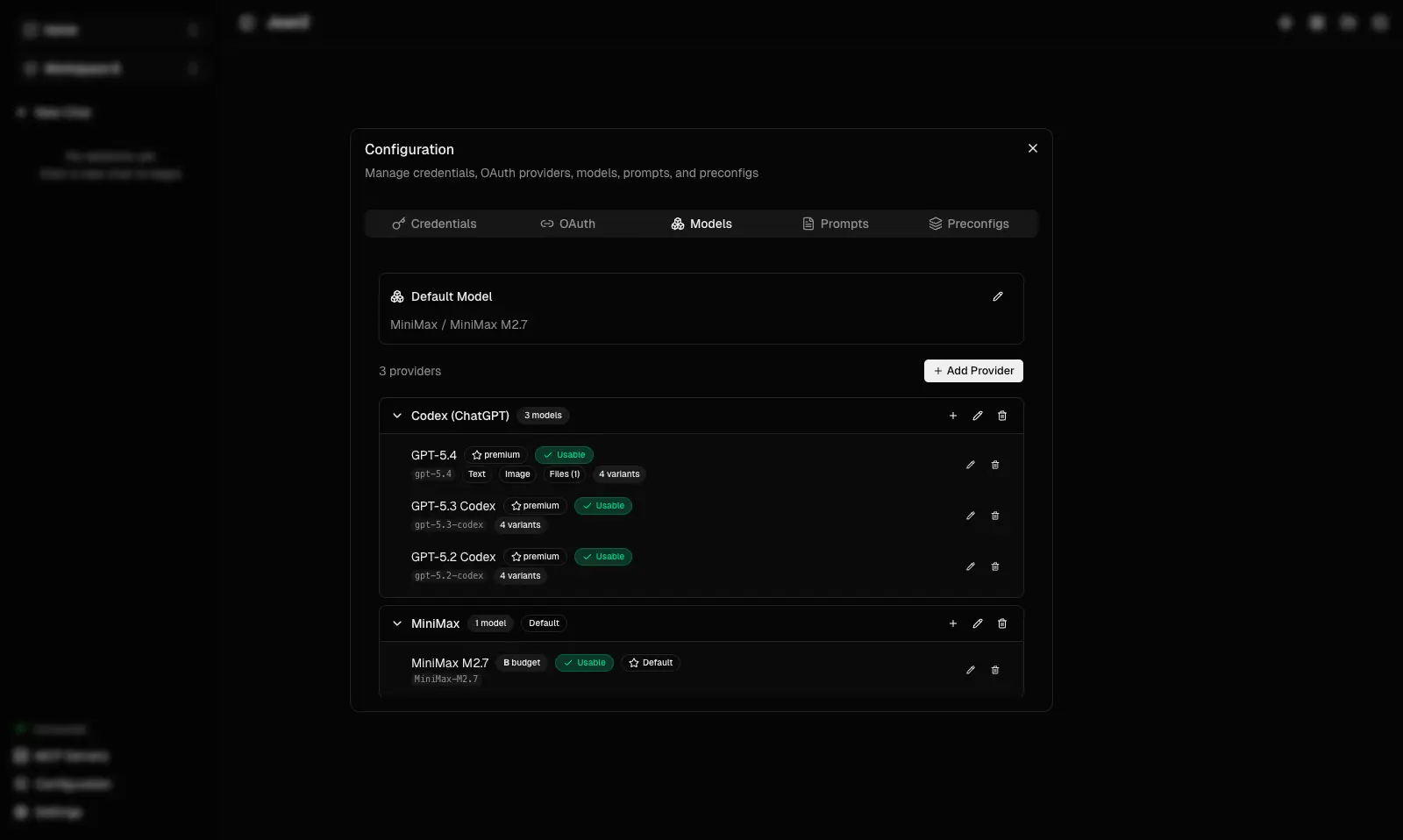
Quick tip: You can also edit models.json directly for more control. Changes made through the UI take effect immediately — no restart needed. The default config created by jean2 init includes MiniMax, Zhipu Coding, and Codex.
Key concept: If you only use 2 models from a provider, remove the rest — the file is your UI, shape it how you want.
After editing the file directly: jean2 restart
Next: Manage Prompts
Go deeper: Read Models for the full
models.jsonschema, capabilities, variants, and configuration options.