
Configure API Keys
Add your LLM provider credentials to start chatting.
Jean2 needs at least one LLM provider to work. You can configure credentials through the client UI or via environment variables.
Add API Keys via UI
Open the settings panel and navigate to Credentials. You'll see the API key configuration screen:
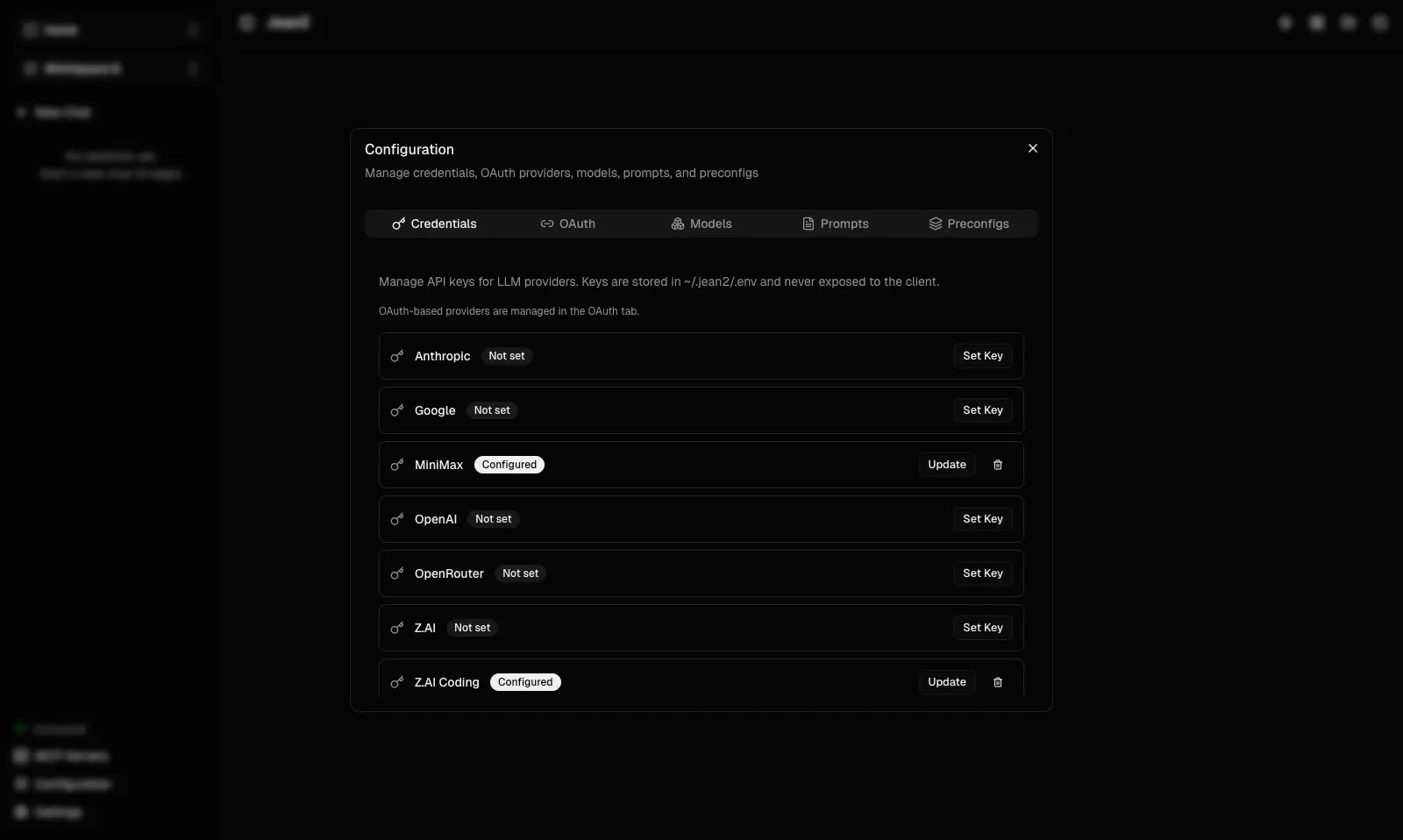
Here you can add API keys for any supported providers—OpenAI, Anthropic, Google, and others. Enter your key, pick a default provider, and you're ready to chat. Changes take effect as soon as you close the settings window.
Quick Alternative: Environment Variables
Prefer the terminal? Edit ~/.jean2/.env directly:
JEAN2_LLM_OPENAI_API_KEY=sk-...
JEAN2_LLM_ANTHROPIC_API_KEY=sk-ant-...
JEAN2_LLM_GOOGLE_API_KEY=AIza...
Save the file and restart the server (env var changes require a restart):
jean2 restart
OAuth Providers (e.g., Codex)
Some providers like Codex use OAuth instead of API keys—this means you connect via your existing ChatGPT subscription with no separate key needed.
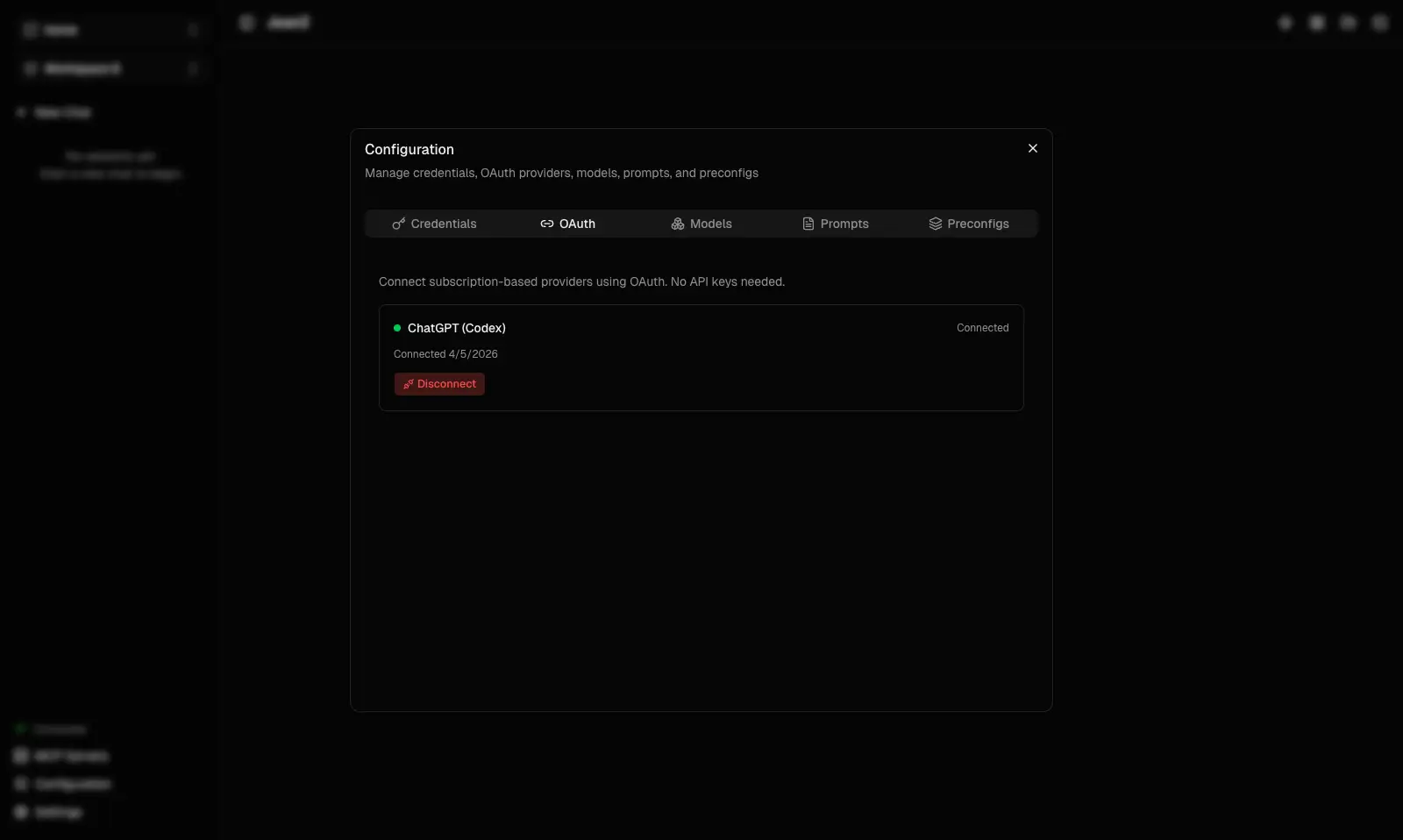
The OAuth flow is managed by the Jean2 server — your tokens are stored server-side.
Next, learn how to Manage Models to pick which AI models to use for different tasks.
Go deeper: Read Connecting an LLM for the full list of supported providers, env var names, and advanced configuration.